
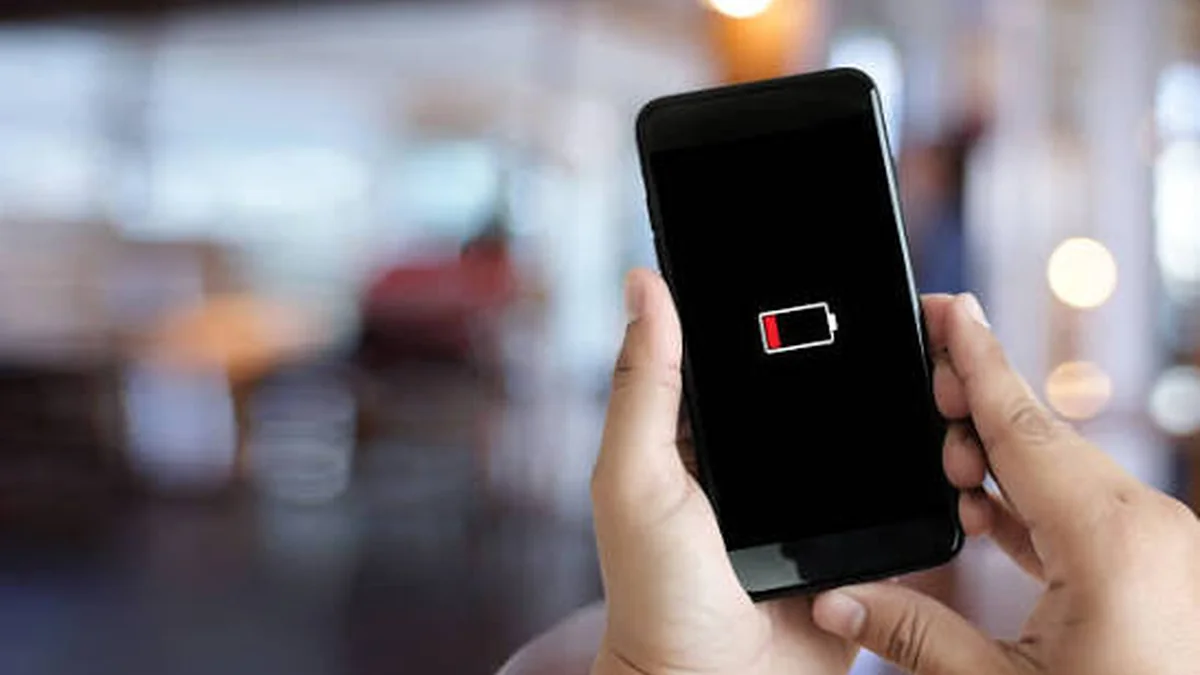

Your phone says 30% and then dies in your pocket ten minutes later. Or it jumps from 45% straight to 12% without warning. That’s not a dying battery talking — most of the time, it’s a confused one, and learning how to calibrate phone battery readings is the fix.
To calibrate phone battery readings, you force your phone’s software to relearn the true high and low points of the battery by draining it fully and then charging it uninterrupted to 100%. This fixes inaccurate percentage readings and random shutdowns, but it doesn’t restore lost battery capacity — that requires a new battery, not a software reset.
If your phone’s battery indicator has started lying to you, here’s exactly how to calibrate phone battery behavior back to normal — on both Android and iPhone — and when calibration won’t actually help.
What It Means to Calibrate a Phone Battery
Every phone battery has a small chip that estimates how much charge is left. On Android this is handled through the battery management system reporting to the OS; on iPhone, iOS reads data from the battery’s internal fuel gauge. Neither one can directly “see” the battery’s chemical charge — they estimate it by tracking voltage, current flow, and usage patterns over time.
The problem: lithium-ion chemistry doesn’t age in a straight line. As the battery cycles through hundreds of partial charges (most people never run their phone from 100% to 0% in one go), the gauge’s estimate slowly drifts away from the battery’s real state. You end up with a phone that thinks it has 20% left when it actually has 3% — or the reverse, showing 15% when the tank is nearly empty.
Calibration doesn’t repair anything physical. It just gives the gauge a clean, full-range data point — true empty to true full — so it can recalculate more accurately going forward.
Quick takeaway: Calibration fixes what your phone displays, not how much energy the battery can actually hold.
Signs You Need to Calibrate Your Phone Battery
You probably need to calibrate if you notice:
- The percentage jumps suddenly (say, from 40% to 15%) with no heavy usage in between
- Your phone shuts off while the screen still shows 10–20% remaining
- Battery drain feels wildly inconsistent day to day with the same usage pattern
- After a software update, the percentage behaves erratically for the first few days
One thing worth separating early: a battery that drains unusually fast in the last 10–15% is often normal, not a fault. Lithium-ion cells discharge along a curve, and manufacturers tune the reported percentage to look linear even though the underlying voltage drop-off accelerates near empty. If your phone is consistently dying with 10%+ still showing, that’s a calibration issue. If it’s just draining a little quicker in the last few percent, that’s expected chemistry, not a bug.
How to Calibrate Phone Battery on Android
Step-by-step method
- Use your phone normally until the battery drains and the device shuts itself off on its own.
- Leave it off for at least 30–60 minutes. This lets any residual charge the gauge might be misreading settle out.
- Plug in an original or MFi/certified charger and cable, and charge to 100% without turning the phone on.
- Once it hits 100%, leave it plugged in for another 30–60 minutes to make sure the battery is genuinely full, not just reporting full.
- Unplug, turn the phone on, and use it normally.
- Repeat this full drain-to-full-charge cycle once, occasionally twice, if the readings are still off.
Should you use a calibration app?
Apps like AccuBattery can help you monitor charge cycles and estimate battery health, but on modern Android versions (10 and above), most manufacturers have already automated fuel-gauge recalibration in the background — you often don’t need a dedicated app or root access at all. A manual full-drain-to-full-charge cycle, done as above, is usually enough. Treat calibration apps as a monitoring tool, not a magic fix.
How to Calibrate Phone Battery on iPhone
Step-by-step method
- Turn off Optimized Battery Charging temporarily (Settings > Battery > Battery Health & Charging), since it intentionally slows the last stretch of a charge and can interfere with a clean calibration cycle.
- Use your iPhone until it powers off on its own.
- Let it sit powered off for at least 3 hours — iPhones shut down before the battery hits a true zero to protect the cell, so give the residual charge time to fully deplete.
- Charge with a wall adapter and an Apple-certified (MFi) cable to 100%, not from a laptop USB port, which can charge more slowly and inconsistently.
- Keep it plugged in for 30–40 minutes after it reads 100%.
- Turn Optimized Battery Charging back on, restart the phone, and resume normal use.
Optimized Battery Charging and why it matters
This iOS feature learns your daily charging routine and deliberately pauses charging past 80% until closer to when you’ll unplug, to reduce battery aging. It’s great for long-term battery health but can distort a calibration attempt, which is why it’s worth switching off just for the calibration cycle, then re-enabling it afterward.
Does Calibrating Your Phone Battery Actually Improve Battery Life? (Myth vs. Reality)
This is where most articles get vague — so let’s be direct: calibration does not increase how long your battery lasts on a charge, and it does not reverse capacity loss. What it does is make the number on your screen match reality again.
There’s also a real trade-off to know about. Lithium-ion batteries generally last longer, in terms of total lifespan, when you avoid frequent deep discharges and instead keep them in a moderate charge range. Deliberately draining to 0% for calibration, done occasionally, is fine. Doing it constantly as a “battery health habit” can actually accelerate wear, because deep discharges put more strain on the cell than partial ones. Use calibration as an occasional diagnostic fix, not a routine maintenance ritual.
How Often to Calibrate Phone Battery — and When to Stop
You don’t need to calibrate on a schedule. Do it only when the symptoms show up, and use this rough guide to judge severity:
| Phone dies with this much showing | What it likely means | Action |
|---|---|---|
| 1–5% | Normal — can happen under heavy load even on a healthy battery | No action needed |
| 6–9% | Mild gauge drift | One calibration cycle usually fixes it |
| 10%+ | Significant misreading, or genuine battery degradation | Calibrate once; if it happens again within a week, the battery itself is likely aging and calibration won’t help |
If you calibrate and the same shutdown pattern comes back within days, that’s your signal to check actual battery health (Settings > Battery > Battery Health on iPhone, or your manufacturer’s battery diagnostics on Android) rather than calibrating again. A battery holding under roughly 80% of its original capacity is a normal candidate for replacement, not recalibration — no amount of draining and recharging restores lost capacity.
How to Prevent Calibration Drift in the First Place
- Keep daily charging in the 20–80% range when possible instead of always running to empty or leaving it on the charger overnight at 100%.
- Avoid charging in direct heat — a hot car dashboard or under a pillow accelerates both capacity loss and gauge inaccuracy.
- Use a certified cable and charger. Cheap, uncertified chargers can deliver inconsistent current that confuses the fuel gauge over time.
- Let your battery run a full cycle every month or two as light, natural maintenance — not as a strict rule, just don’t go months only ever charging in the 40–60% window.
Calibrate Phone Battery vs. Laptop Battery — Quick Comparison
People often search for “battery calibration” expecting the same process for phones and laptops, but there’s a meaningful difference:
| Phone | Laptop | |
|---|---|---|
| Trigger method | Manual drain-to-full cycle | Often a built-in BIOS/firmware tool (e.g., a dedicated “Smart Battery Calibration” menu) |
| Time required | A few hours across a day | Can take several hours in one uninterrupted session, sometimes overnight |
| Frequency | As-needed, based on symptoms | Recommended by some manufacturers roughly once a month |
| Risk of frequent use | Accelerates wear if overdone | Same risk, generally accepted as routine maintenance on supported laptops |
Conclusion
A phone battery that reads wrong isn’t necessarily a dying battery — it’s usually just a gauge that’s lost its reference points. One clean drain-to-full-charge cycle, done the right way for your device, resets that reference and gets your percentage readings back to something you can trust. If the problem keeps coming back within days of calibrating, stop treating it as a software fix and check your actual battery health instead — that’s the real signal it’s time for a new battery.
If your battery percentage is still unreliable after trying this, check your battery health stats before assuming the worst — a quick look at Settings > Battery will tell you whether you’re dealing with a display glitch or genuine wear.
STILL HAVE QUESTIONS? OUR FULL TROUBLESHOOTING HUB FOR MORE ANSWERS.
FAQ Section
Does calibrating a phone battery really work? Yes, for fixing inaccurate percentage readings and random shutdowns caused by fuel gauge drift. It won’t restore lost battery capacity or make your battery last meaningfully longer between charges.
How do I know if my battery needs calibrating? Watch for sudden percentage jumps, shutdowns while the screen still shows 10% or more remaining, or wildly inconsistent battery life for the same daily usage pattern.
Is it safe to let my phone battery die completely? Occasionally, yes — your phone shuts down before the cell hits a true 0% to protect it. Doing this constantly as routine maintenance, though, adds unnecessary wear over time.
How long does battery calibration take? Usually a few hours spread across a day: time to drain naturally, a rest period once it shuts off, then a full uninterrupted charge to 100% plus 30–40 extra minutes.
Why does my phone die at 20% battery? This points to gauge drift rather than a hardware fault in most cases. A single calibration cycle typically resolves it; if the same thing happens again within days, the battery is likely genuinely aging.
Can I calibrate my phone battery without an app? Yes. A manual full-discharge-to-full-charge cycle works on both Android and iPhone without installing anything — apps are optional monitoring tools, not required.
How often should I calibrate my phone battery? Only when you notice symptoms — there’s no fixed schedule. Calibrating too frequently as a habit can actually accelerate battery wear rather than help it.
Does battery calibration damage the battery? A single cycle, done occasionally, is safe. Frequent deep discharges done purely for “calibration” can add measurable wear over time, since lithium-ion cells handle partial charges better than repeated full drains.
