
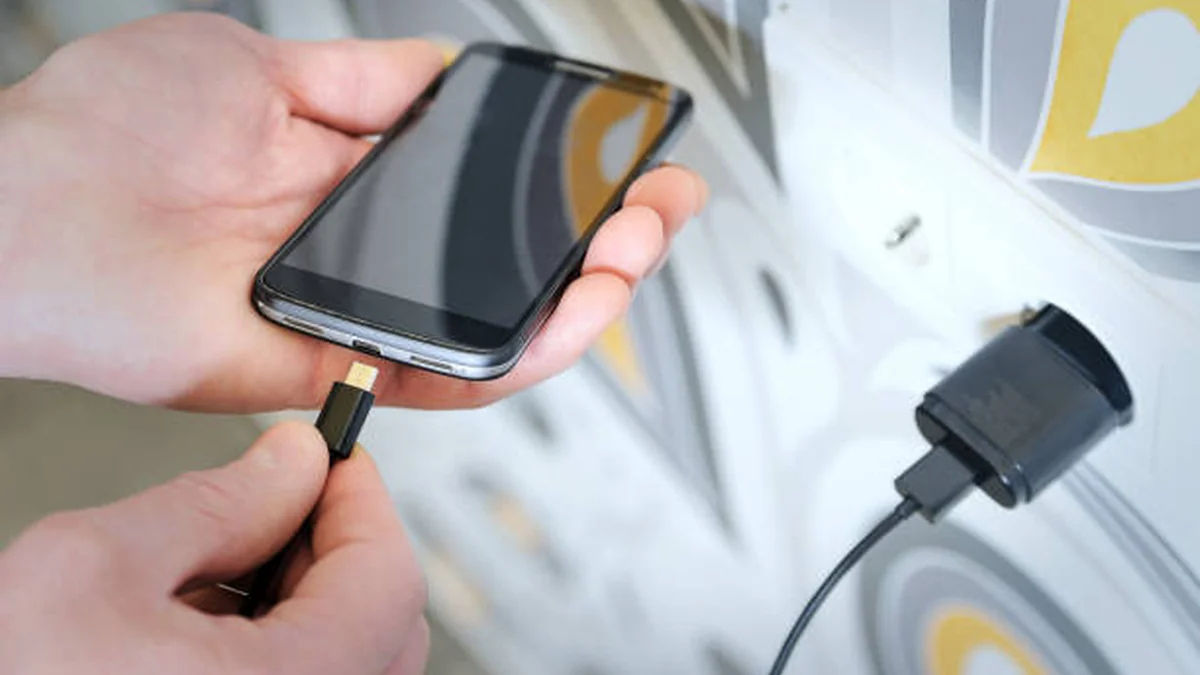

Your cable wiggles. The charge icon flickers on and off if you nudge the phone. You’ve started propping it up on a book at a weird angle just to keep the electrons flowing. That’s a loose charging port, and it’s one of the most common — and most fixable — problems in mobile tech.
A loose charging port fix usually starts with cleaning, not replacement. Most cases come from lint or debris blocking the contacts, not actual hardware failure. Test with a different cable first, clean the port gently, and only consider professional repair if the cable still won’t sit snug afterward.
What a Loose Charging Port Actually Means
“Loose” covers a few different symptoms that people lump together, and the distinction matters because each one points to a different fix.
Sometimes the cable physically slides in and out with almost no resistance — no click, no snug fit, nothing holding it in place. Other times the plug seats fine but the connection is intermittent, so you get a battery icon that flickers or a charge that stops the second you move the phone. And occasionally the port looks and feels normal, but the phone only charges when the cable is held at a specific angle, which is usually a sign something inside has shifted.
None of these automatically mean the port is broken. They mean something is interfering with the physical or electrical connection, and your job is to figure out what before you reach for a screwdriver.
What’s Actually Causing the Looseness
Pocket lint and daily debris
This is the single biggest cause, by a wide margin. About 80% of non-battery charging complaints come down to something lodged in the port rather than a hardware fault — pocket lint, sand, food crumbs, or general dust that builds up every time you set your phone face-down on a table or carry it loose in a bag. Over months, that debris compresses into a hard little wad that pushes the cable’s contacts away from the port’s pins, which feels exactly like a loose connection even though nothing is actually broken.
Mechanical wear from repeated plugging
Charging ports are rated for thousands of insert cycles, but they’re not infinite. Given that roughly 7 in 10 people plug their phone in at least twice a day, the tiny metal springs inside the port that grip the cable gradually lose tension. This tends to show up gradually — the fit gets a little looser every few months — rather than all at once, and it’s more common in devices approaching the 12–18 month mark of regular daily use.
Bent or corroded pins
Drop the phone while it’s plugged in, yank the cable out sideways, or expose the port to humidity or moisture, and the internal contacts can bend or corrode. This usually causes a more dramatic symptom than gradual wear: charging that works only at one specific angle, or stops entirely no matter how the cable sits.
A damaged cable, not a damaged port
It’s worth saying plainly: sometimes the port is fine and the cable is the problem. Cheap or aging cables develop frayed wiring near the connector head, and a worn plug can feel loose in a perfectly healthy port. This is exactly why the first diagnostic step below matters more than any cleaning trick.
Is It the Port, the Cable, or the Adapter? (Quick Diagnostic)
Before touching the inside of your device, rule out the two cheaper culprits.
| Test | What it tells you |
|---|---|
| Try a different cable you know works | If the connection improves, the original cable was the problem, not the port |
| Try a different wall adapter or charging block | Rules out a failing adapter mimicking a loose-port symptom |
| Wiggle the cable gently while plugged in | Micro-movements that cause the charge to drop point to worn port contacts |
| Look inside the port with a flashlight | Visible lint, discoloration, or bent pins confirm a port-side issue |
| Check if charging works only at one angle | Strong sign of bent internal pins rather than debris |
If a known-good cable and adapter both still produce a loose or intermittent connection, the port itself is the issue, and it’s time for the fix steps below.
The Loose Charging Port Fix: Step-by-Step DIY
- Power off the device. Working on a live port risks a short circuit.
- Inspect the port with a flashlight. Tilt the device so you can see straight into the opening.
- Clean it with compressed air first. A short burst from a can of compressed air (held upright, brief bursts only) dislodges loose dust without touching anything.
- Remove stuck debris with a wooden toothpick or plastic tool. Gently scrape along the bottom of the port — never metal tools, and never force anything. You’re trying to loosen compacted lint, not dig into the electronics.
- Do a final air blast to clear whatever the toothpick loosened.
- Test with a cable you already confirmed works. Insert it slowly and check for a firm, snug fit.
- Repeat once if needed. A second cleaning pass resolves the majority of lint-caused looseness that the first pass didn’t fully clear.
This sequence fixes the large majority of loose-port complaints, because most of them are debris, not damage.
The Pliers/Squeeze Trick — and Why It’s Risky
You’ll find this one circulating in repair forums: gently squeezing the metal housing of the cable’s connector with pliers to make it fit more snugly, or in more advanced cases, opening the device and slightly adjusting the port’s internal contacts with tweezers.
It does work sometimes. It also carries real risk. Squeezing too hard can crack the housing or short the connector. Bending internal pins without training can push a fixable, cleanable port into one that needs full replacement. If you attempt it, treat it as a last resort on a device you’re prepared to potentially damage further — not a first move.
Quick takeaway: Cleaning is low-risk and reversible. Bending metal parts inside the port is not. Save the second option for after cleaning has genuinely failed.
When to Stop DIY and Call a Professional
A handful of signs mean it’s time to hand the device to someone with the right tools rather than keep poking at it yourself:
- The port still feels loose or the cable slides out with no resistance after a thorough cleaning
- You can see bent or broken metal contacts inside the port
- The device runs unusually hot while charging, even with a cable that fits
- Charging stops entirely no matter what cable, adapter, or angle you try
- You see a “Liquid Detected” or “Accessory Not Supported” warning
That last one deserves extra attention. A charging port issue that’s ignored can strain the battery or, in worse cases, damage the logic board — turning an $80 repair into a $300+ one. If a fix that should take 30 minutes keeps getting more complicated, that’s the signal to stop self-diagnosing and get a professional opinion.
Charging Port Repair Cost by Device
Pricing varies widely by device type, brand, and whether you go through the manufacturer or a third-party shop.
| Device Type | Typical Third-Party Cost | Manufacturer/Official Cost |
|---|---|---|
| Android phone (standard) | $40 – $100 | Often higher through carrier/brand service centers |
| iPhone (Lightning, older models) | $60 – $100 | Up to $149+ |
| iPhone (USB-C, newer models) | $80 – $150 | $449 – $500 (Apple frequently replaces the full unit rather than just the port) |
| Tablet (iPad, Android tablet) | $80 – $250 | Varies by brand |
| Laptop (USB-C, often soldered) | $100 – $300 | Can require motherboard-level repair |
| DIY replacement kit (any device) | $20 – $50 | N/A — requires disassembly skill |
A simple port cleaning, when that’s all that’s needed, often costs far less than a full replacement — sometimes under $20–$25 at a repair shop, versus $50–$150+ for parts and labor on an actual replacement.
How to Avoid Getting Overcharged for a Simple Fix
Because so many “loose port” cases are just debris, a few pricing patterns are worth watching for before you agree to a repair:
- A high diagnostic fee for a simple check. Spotting a charging port issue takes a trained tech under a minute; a $30+ “diagnostic fee” just to look is a red flag.
- Vague pricing. “It depends on what we find” isn’t a quote. A legitimate shop tells you upfront: cleaning costs X, full replacement costs Y.
- A surprise liquid-damage discovery. Unless your device actually got wet, be skeptical of an unexpected liquid-damage upsell that jumps the price into logic-board territory. Ask to see the liquid contact indicator yourself.
Getting a second opinion costs nothing and can save a meaningful chunk of the repair bill.
Preventing a Loose Charging Port From Coming Back
- Unplug by the connector, not the cord. Pulling at an angle stresses the internal pins over time.
- Use quality cables. Cheap, stiff cables put more lateral strain on the port than ones with proper strain relief.
- Keep the phone out of pocket lint traps. A thin case that partially covers the port opening cuts down on debris significantly.
- Consider a magnetic charging cable. These use an external magnetic adapter, so the port itself sees far fewer insertion cycles — a genuinely useful long-term workaround, not just a gadget.
- Try wireless charging when available. If your device supports it, alternating between wireless and wired charging reduces wear on the physical port considerably.
None of these guarantee a port lasts forever, but together they meaningfully extend the time before you’re troubleshooting a loose connection again.
WANT MORE TIPS LIKE THIS? VISIT TECHKOU.NET TO DISCOVER MORE.
FAQ Section
Can a loose charging port be fixed without replacing it? Yes, in most cases. The majority of loose-port complaints are caused by lint or debris rather than actual hardware damage, and a careful cleaning with compressed air and a wooden toothpick resolves it. Replacement is usually only needed when pins are visibly bent or broken.
How do I know if it’s the cable or the port? Try a cable and adapter you know work on another device. If the connection is firm with the known-good cable, your original cable was the problem. If it’s still loose, the port itself needs attention.
Is it safe to fix a charging port myself? Cleaning it is low-risk if you power the device off first and use non-metal tools. Bending internal pins or disassembling the device carries real risk of further damage and is better left to a professional unless you’re comfortable with the tradeoff.
How much does charging port repair cost? Most phones run $40–$150 through a third-party shop, depending on brand and model. iPhones and laptops trend higher, especially through the manufacturer, where costs can reach $300–$500.
Can a loose charging port damage my battery? Yes, if it’s left unaddressed. An unstable connection can cause power fluctuations that strain the battery over time, and in more serious cases, contribute to logic board issues.
Why does my phone only charge at a certain angle? This usually points to bent or misaligned pins inside the port rather than simple debris, since lint-related looseness tends to affect charging regardless of angle.
Does a loose charging port always mean I need a new phone? No. For most devices in otherwise good condition, a port cleaning or replacement is far cheaper than replacing the whole device, and it’s generally worth doing unless the phone is already several years old with other issues.
What tools do I need for a basic DIY fix? Compressed air and a wooden toothpick or plastic pick cover the vast majority of cases. Avoid metal tools, which can scratch contacts or cause a short.
